Setup Admin User
On first launch, Grimmory shows a setup screen to create the initial administrator account. This is a one-time step.
Create Your Account
Section titled “Create Your Account”Open http://localhost:6060 in your browser and fill in the setup form:
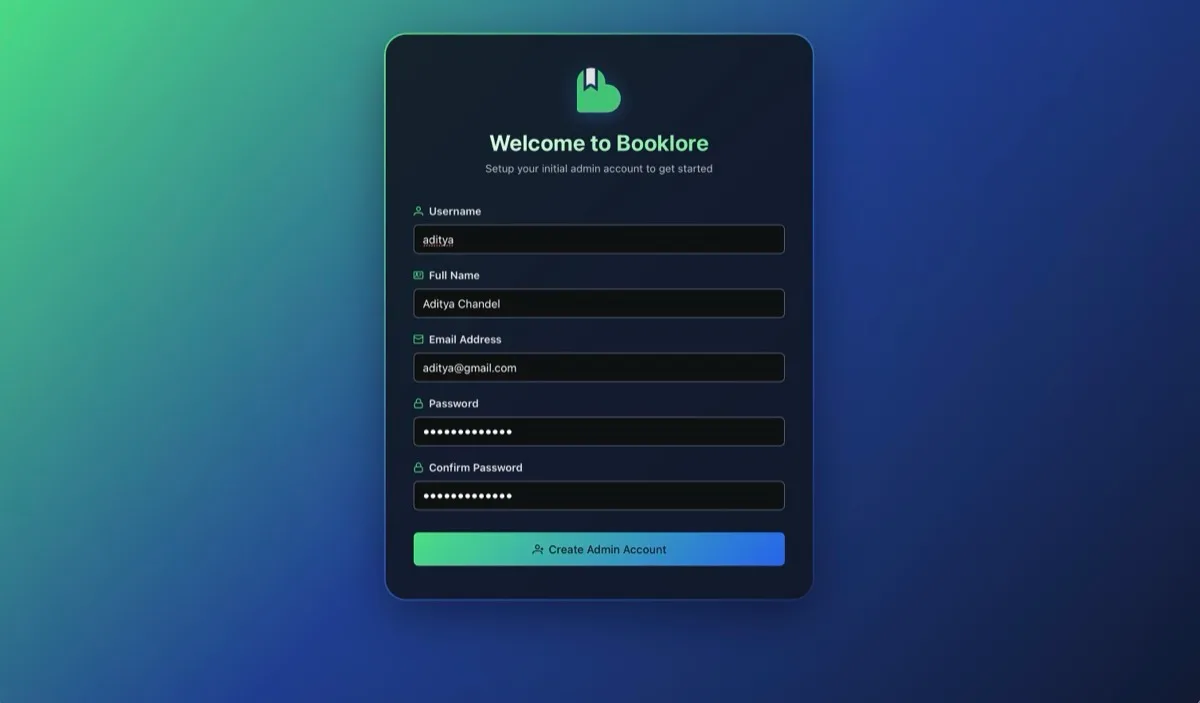
| Field | Notes |
|---|---|
| Username | Your login identifier |
| Full Name | Display name shown in the UI |
| Email Address | Used for account-related features |
| Password | Minimum 6 characters |
| Confirm Password | Must match the password above |
All fields are required. Click “Create Admin Account” when done.
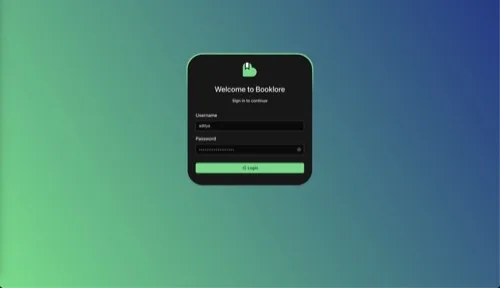
After creating the account, you’ll be redirected to the login page. Sign in with the username and password you just created.
Dashboard
Section titled “Dashboard”After logging in, you’ll see an empty dashboard prompting you to create your first library.
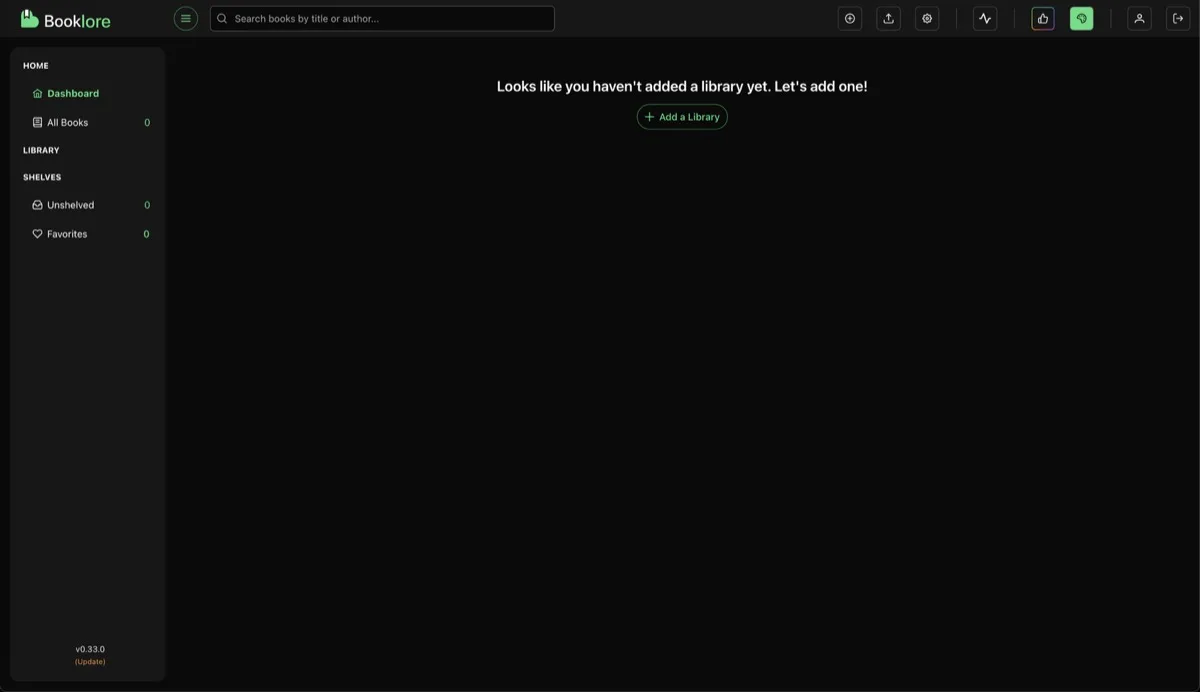
Click “Add a Library” to get started. See Setup First Library for a walkthrough.